2026's Top Printers for UAE Offices
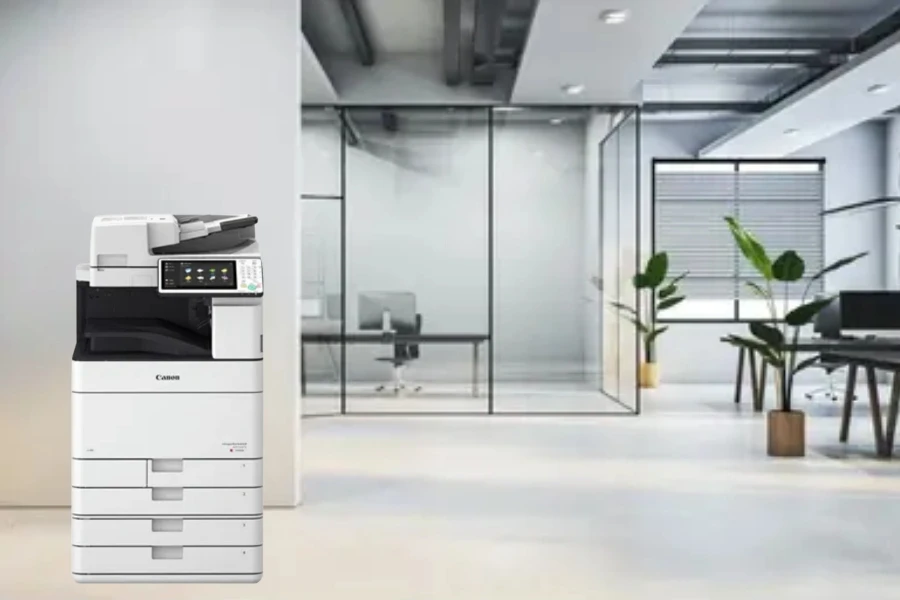
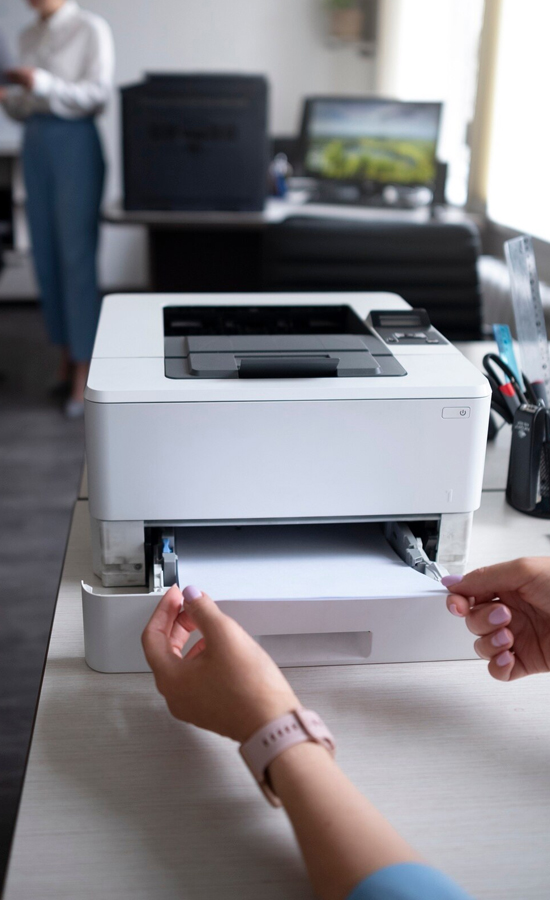
A company's productivity and efficiency can be greatly impacted by the choice of office printer. It is crucial to take the time to select your printer carefully, whether you are a huge organisation with significant printing requirements or a small firm that wants to print the occasional invoice.
Cloud-based document printing and cybersecurity issues with remote printing are growing in significance as hybrid working continues. Multifunction printers are useful because today's organisations need more than just a basic printer. At Officeproducts.ae, we supply business printers from two of the industry’s leading manufacturers – Kyocera, Canon, Sharp and Konica. Both brands are well-known for their dependability, cutting-edge technology, and excellent print quality, which makes them ideal options for offices around the United Arab Emirates and its environs.
Selecting The Best Printer For Your Business
- Quick scanning directly to cloud-based services or email
- Secure printing of sensitive documents
- Mobile printing capabilities from phones and tablets
- Compatibility with document management software
- Energy-saving capabilities
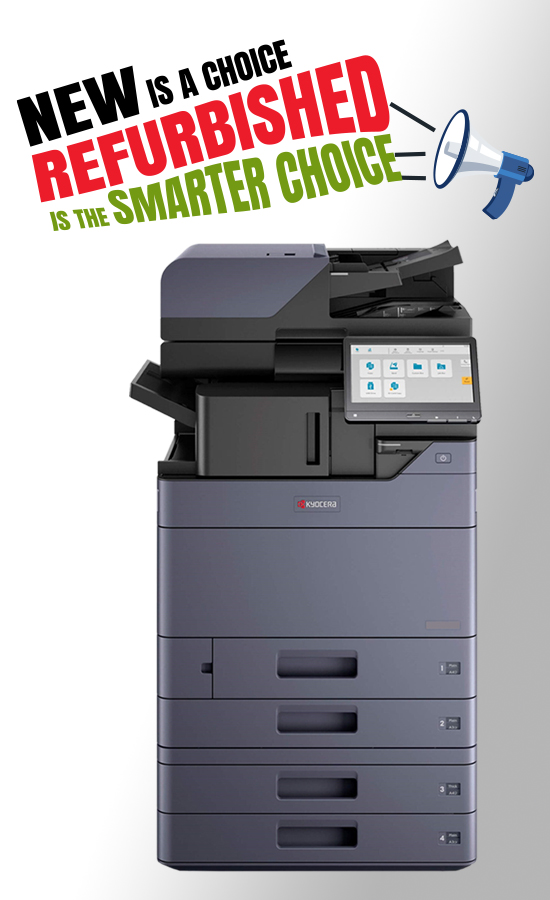
Kyocera Printers for Modern Workplaces
Kyocera printers have an excellent reputation for reliability, efficiency, and high-quality performance, making them a popular choice for modern businesses. Designed to support demanding office environments, Kyocera multifunction devices offer a range of features that help improve productivity and simplify everyday document management.
Intuitive Colour Touchscreen Interface
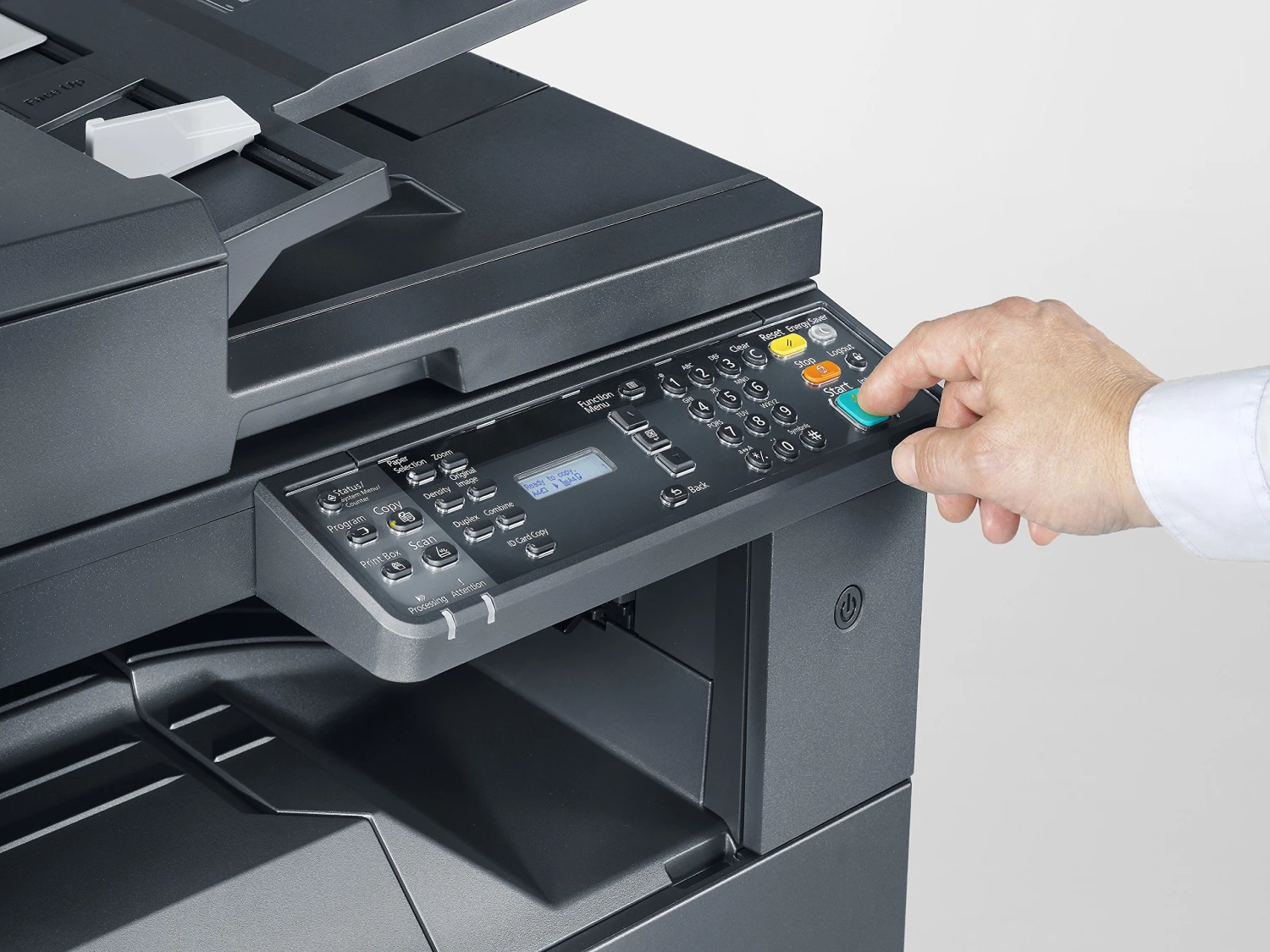
The Kyocera printers come equipped with an intuitive colour touchscreen interface that allows users to perform various operations like printing, copying, scanning, etc easily. The intuitive interface saves time for employees in carrying out day-to-day tasks and cuts down on training requirements.
Connectivity to Cloud
Businesses today rely heavily on cloud-based applications like Microsoft 365, Google Drive and Dropbox. Kyocera multifunction printers offer easy integration and document workflow where users can scan, store, access and print their documents from the cloud-based services.
Improved Security
Confidential business information must be protected, especially when it comes to printers and multifunction devices that may get connected to company networks. Here are some security features offered by the Kyocera printers to help protect your business documents:
- User Authentication
- Secure Print Release
- Data Encryption
- Network Security
- Document Management
- Firmware and Device Protection
- Colour Printing
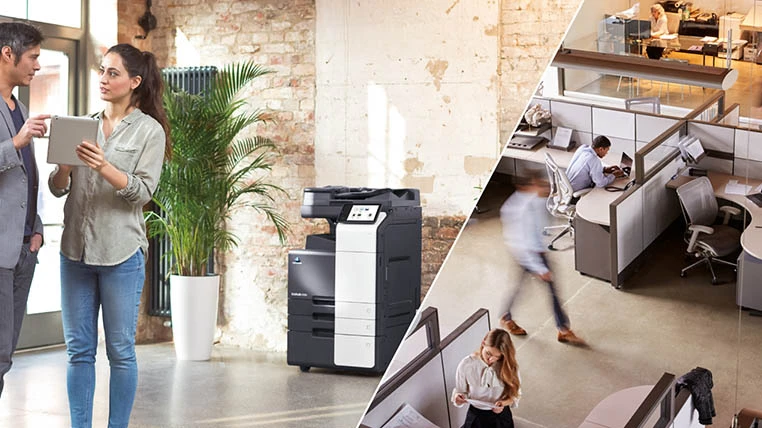
Konica Minolta Printers for the Modern Workplace
User-Friendly Touch Screen Interface
Connectivity to Cloud Platforms
Security
- User authentication
- Secure print release
- Data encryption
- Network security
- Access control
- Firmware protection
- High-Quality Colour Printing
Sharp Printers for Modern Workplaces
Excellent touchscreen interface
Cloud connectivity
Enhanced security
- User authentication
- Secure print release
- Data encryption
- Firmware protection
- Automatic security updates
- High-quality colour printing
Leasing vs Buying Printers in UAE
- Fixed monthly payments
- No initial cost
- Opportunity to use the latest technology
- Maintenance could be included
- Upgrade equipment with company growth
Ongoing Support is Essential
Recent Posts
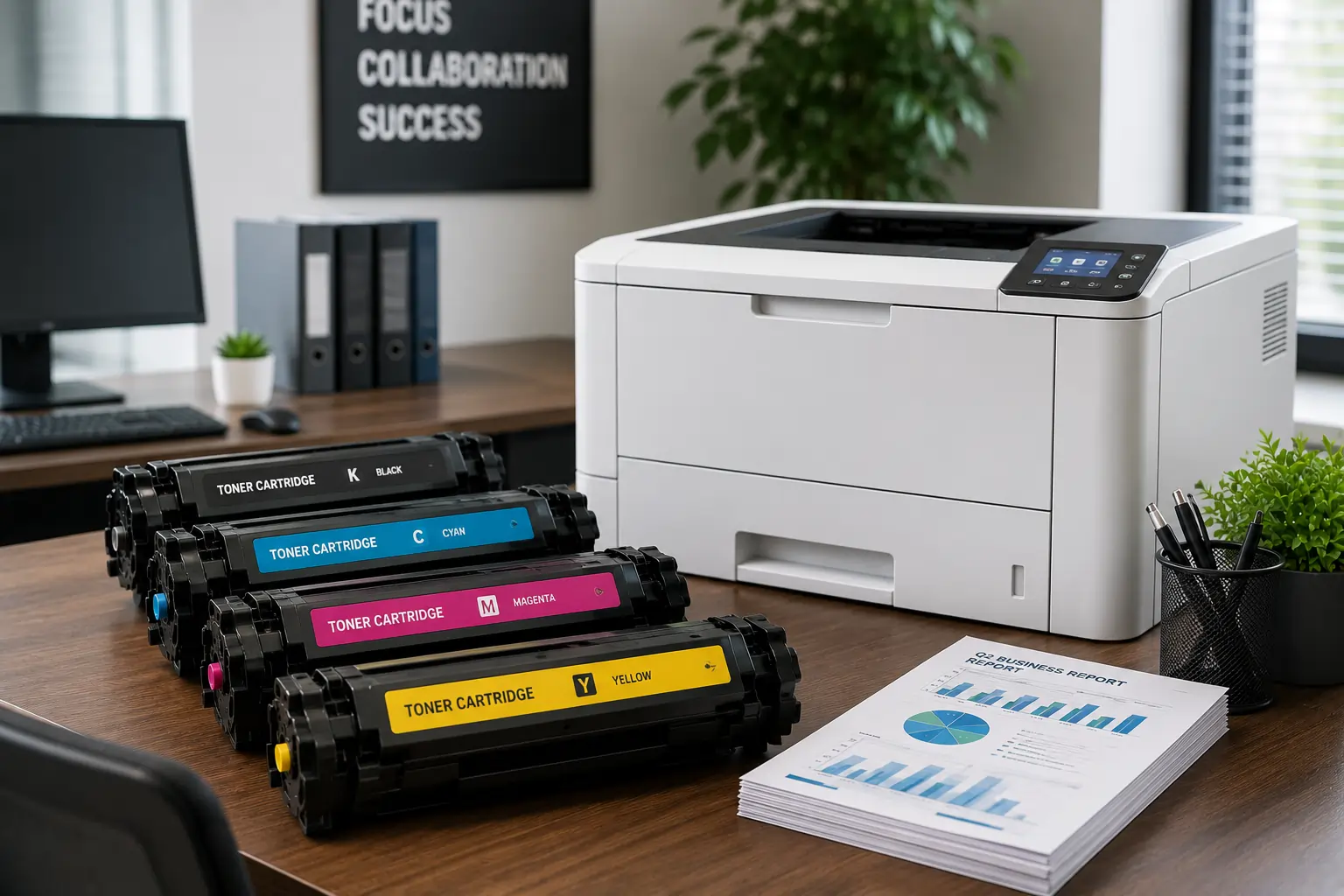
Why It is Important to Choose a Fast Toner Cartridge Supplier in the UAE
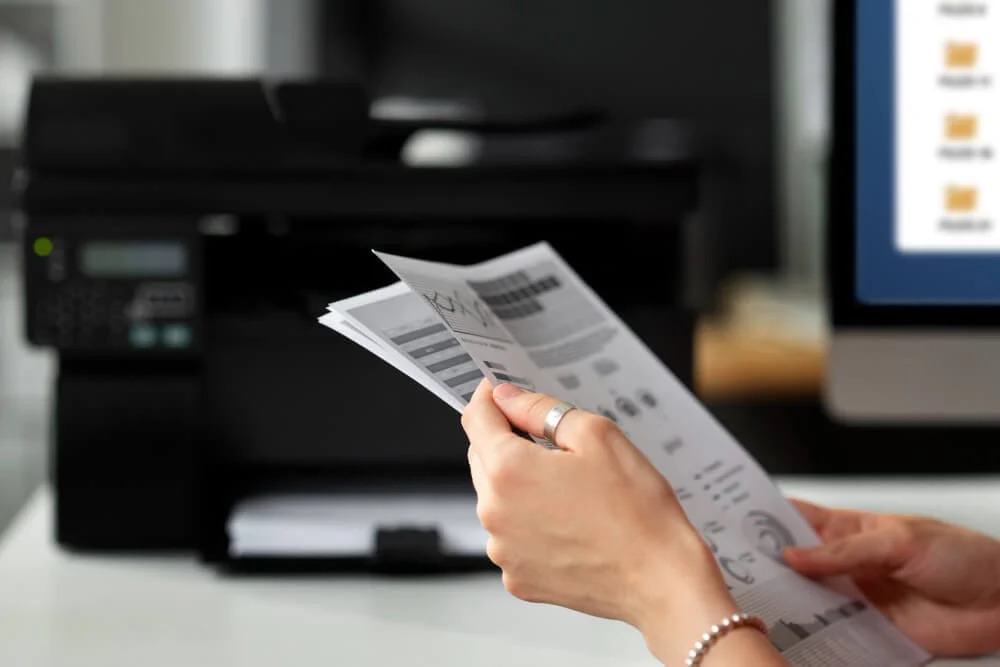
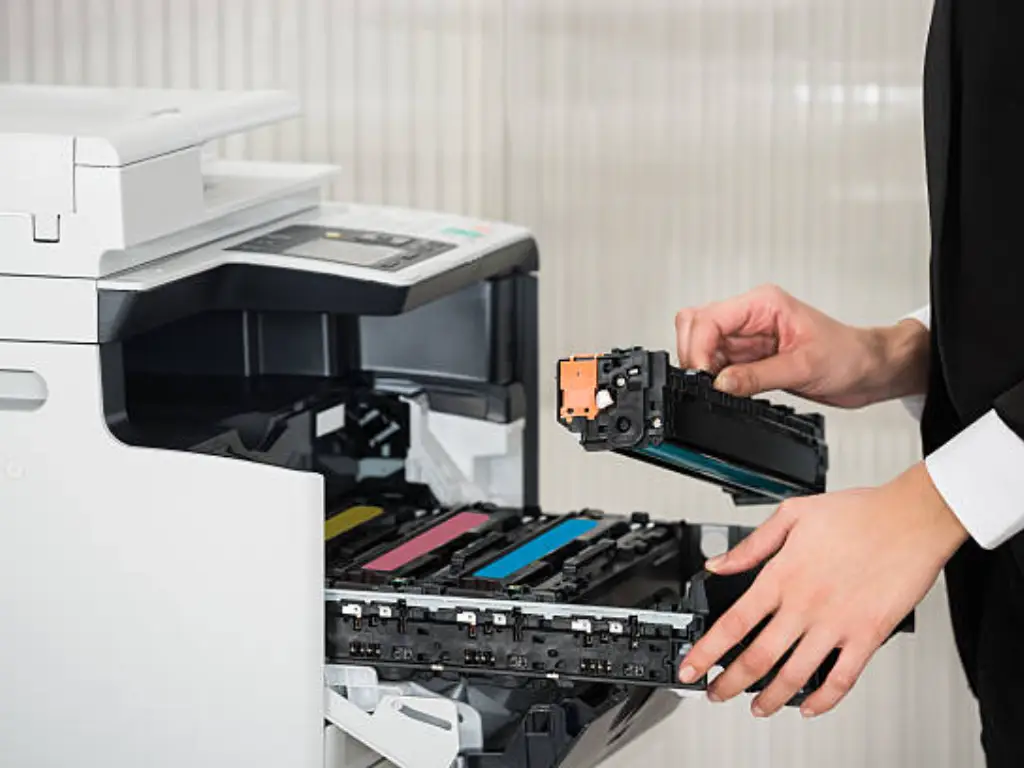
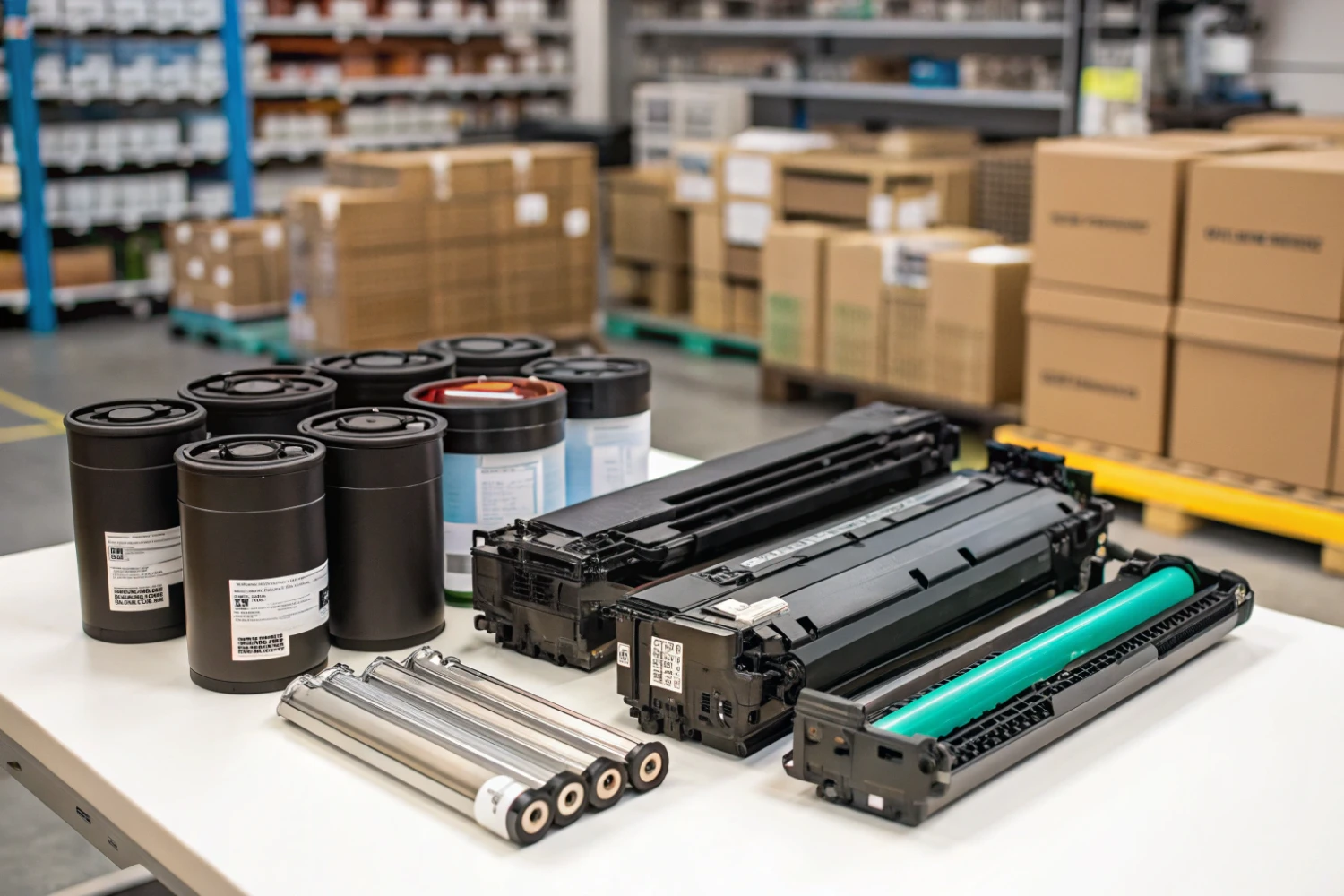
Important Printer Components that Every Entrepreneur Should Be Familiar With
Superior Offer:
Quick Installation
Minimal downtime, fast activation
24/7 Response
Always-on urgent support
AMC & Maintenance
Scheduled safety checks
Safety Solutions
Design • Install • Maintain

Superior Office Services: Your trusted partner for printer and photocopier rentals, sales, and comprehensive repair services in the UAE. We deliver premium end-to-end solutions with proactive maintenance.
Key Services
Printer Rental
Printer Repair
Office Products Support
Abu Dhabi, Dubai & India Offices
Mon - Sat 8.00am - 7.00 pm