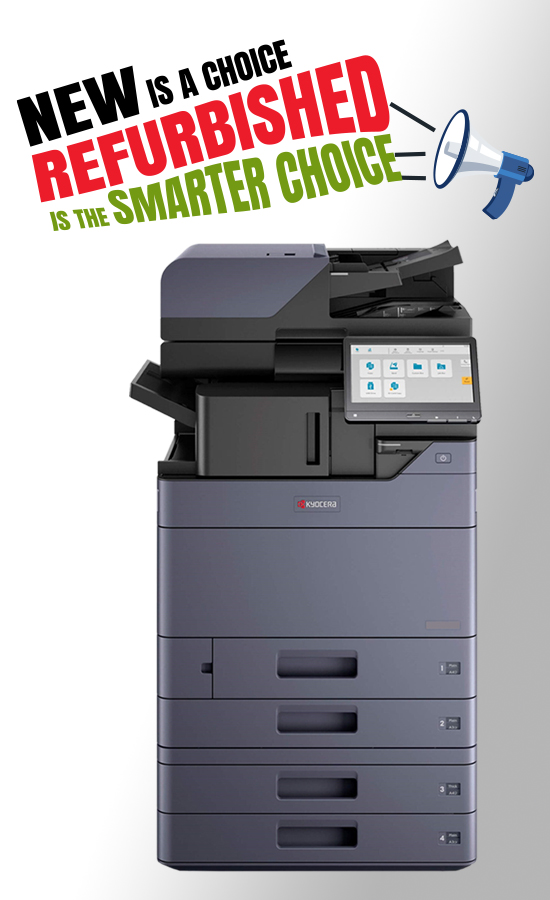
Selecting the Proper Kyocera Taskalfa Printer for Your Business
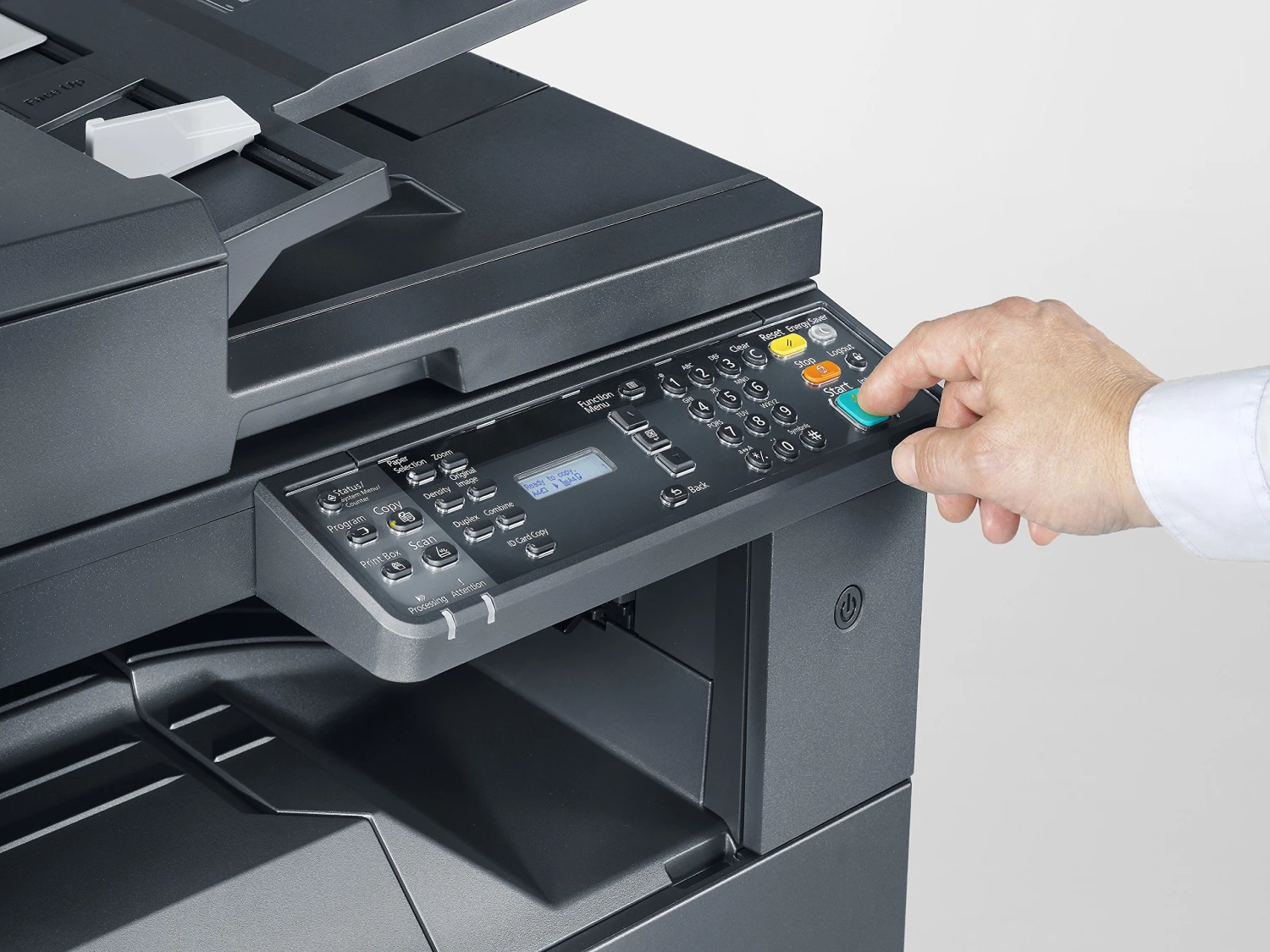
Selecting the right printer can be crucial for improving efficiency, managing costs, and running your business smoothly. Most businesses these days like to use Kyocera Taskalfa printers due to their speed and reliability, and they are specifically designed for office printing at high volumes.
With many models available in the market, how does one select the proper Kyocera Taskalfa printer for one’s office?
This brief guide helps you understand all that you need to consider in order to pick the right printer for your business needs.
Reasons for the High Popularity of Kyocera Taskalfa Printers in an Office Environment
Kyocera Taskalfa printers are characterised by high reliability, affordable printing and numerous features. These printers are intended for offices of various sizes requiring fast and reliable printing.
Advantages include:
- Fast printing and scanning
- Low printing cost
- Long-lasting parts
- Secure document printing
- Mobile and cloud printing capabilities
- Colour and monochrome printing options
The reason why many businesses use Kyocera is that these printers have the ability to print thousands of pages per month.
Step 1: Understand Your Office Printing Needs
Prior to purchasing a printer, consider the following fundamental questions:
- How many employees use the printer?
- Do you print a certain number of pages every day or every month?
- Do you need colour printing?
- Do you need scanning and copying?
- What is your budget?
A simple model is adequate if your office produces just a few pages every day.
A high-speed multifunction printer is necessary if your office prints hundreds or thousands of pages every day.
Step 2: Choose Between Colour and Black & White Printing
One of the first decisions is whether you need colour printing.
Colour Printers Are Suitable For:
- Marketing material printing
- Printing of presentations
- Printing of brochures or reports
- Professional document printing
Common Colour Printer Brands:
- Kyocera TASKalfa 5053ci
- Kyocera TASKalfa 4053ci
- Kyocera TASKalfa 6052ci
- Kyocera TASKalfa 3252ci
- Kyocera TASKalfa 2553ci
These printers provide rapid colour printing and scanning, ideal for an office environment.
These printers provide rapid colour printing and scanning, ideal for an office environment.
Select Black & White Printer When:
- You are mainly using documents
- You require lower printing costs
- Colour printing is not needed
Popular Models:
These printers are perfect for high-volume document printing.
Step 3: Check Printing Speed Requirements
Pages per minute (PPM) is the unit of measurement for printer speed.
The more your office prints, the faster the printer you need.
Small Office (1–10 users)
Recommended speed: 25–35 PPM
Best option:
Medium Office (10–30 users)
Recommended speed: 35–50 PPM
Best options:
- Kyocera TASKalfa 3554ci
- Kyocera ECOSYS MA3500cix
- Kyocera TASKalfa 4054ci
- Kyocera TASKalfa 5054ci
- Kyocera TASKalfa 5004i
Large Office (30+ users)
Recommended speed: 50–70 PPM
Best options:
If your office prints thousands of pages daily, choose a high-speed model to avoid delays.
Step 4: Look at Monthly Print Volume
Every printer is built for a certain monthly usage.
Ask:
What is the monthly page count that your office prints?
- Up to 5,000 pages → Entry-level model
- 5,000–20,000 pages → Mid-level model
- 20,000+ pages → High-volume production printer
For heavy printing offices, choose:
These printers are designed for continuous office use.
Step 5: Check Multi-Functional Features
Offices today require much more than just printing.
Multifunction printing devices must come equipped with:
- Print function
- Scan function
- Copy function
- Fax (optional)
- Cloud print
- Mobile printing
Taskalfa printers by Kyocera have the following features:
- Scan to email
- Scan to cloud
- Secure printing
- Wireless printing
- Document management
This will make work easier for you in your office.
Step 6: Security Features
The printers in an office process many sensitive papers such as invoices, contracts, and employee information.
Look for printers that have:
- User verification
- Printing security
- Data encryption
- Network security
Printers by Kyocera have excellent security features for business data.
Step 7: Consider the Cost and Maintenance for Printing
The printing cost does not involve only the cost of the printer.
Other things that you need to consider are:
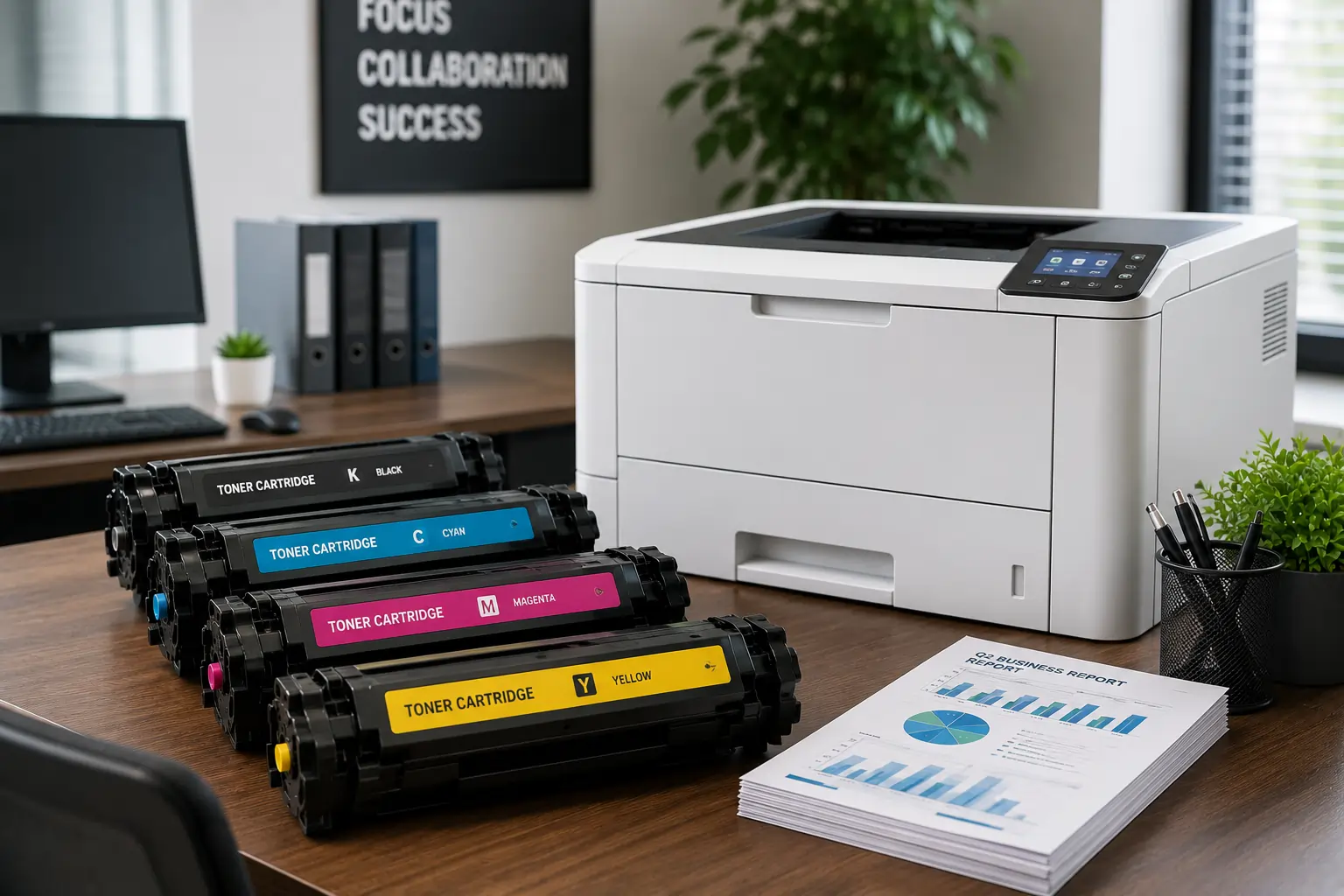
- The cost of toner
- The cost of maintenance
- The cost per page
- Energy consumption
Kyocera printers are famous for their:
- Low cost per page
- High energy efficiency
- Durability
- Low maintenance cost
Step 8: Choose a Trusted Supplier
Common Queries
Conclusion
Recent Posts
Why It is Important to Choose a Fast Toner Cartridge Supplier in the UAE
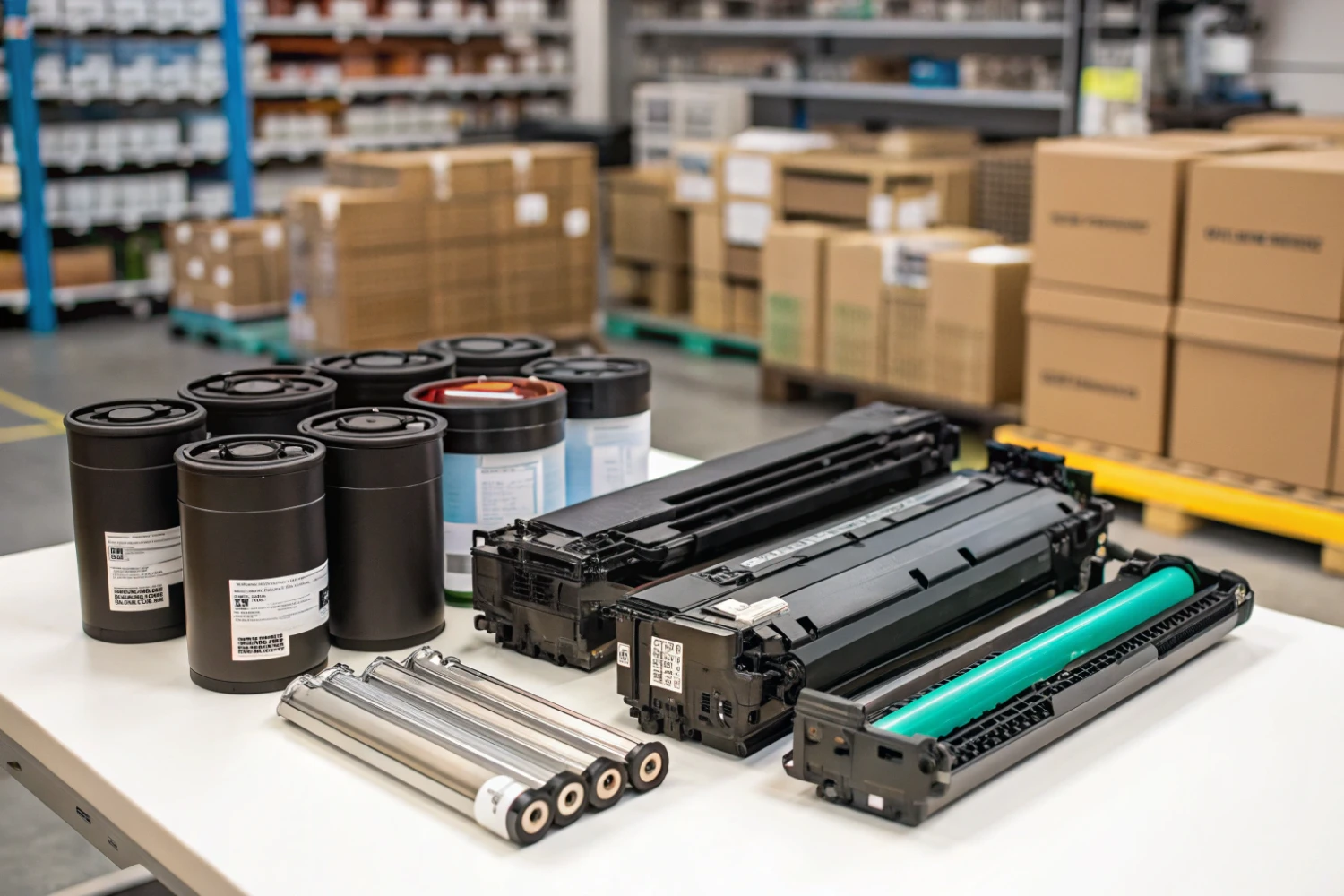
Important Printer Components that Every Entrepreneur Should Be Familiar With
Superior Offer:
Quick Installation
Minimal downtime, fast activation
24/7 Response
Always-on urgent support
AMC & Maintenance
Scheduled safety checks
Safety Solutions
Design • Install • Maintain

Superior Office Services: Your trusted partner for printer and photocopier rentals, sales, and comprehensive repair services in the UAE. We deliver premium end-to-end solutions with proactive maintenance.
Key Services
Printer Rental
Printer Repair
Office Products Support
Abu Dhabi, Dubai & India Offices
Mon - Sat 8.00am - 7.00 pm