10 Useful Tips on Using Kyocera Multifunction Printers
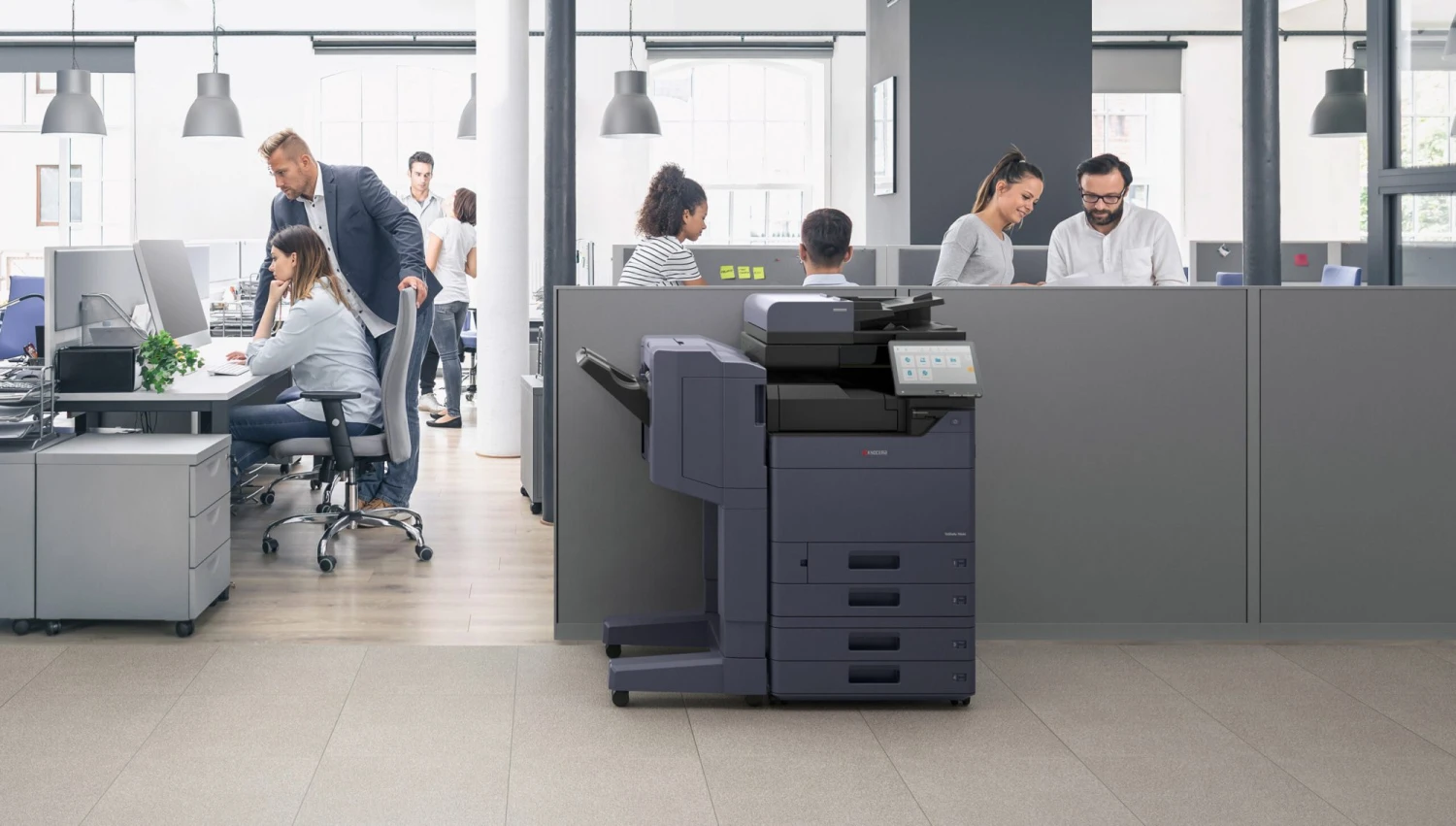
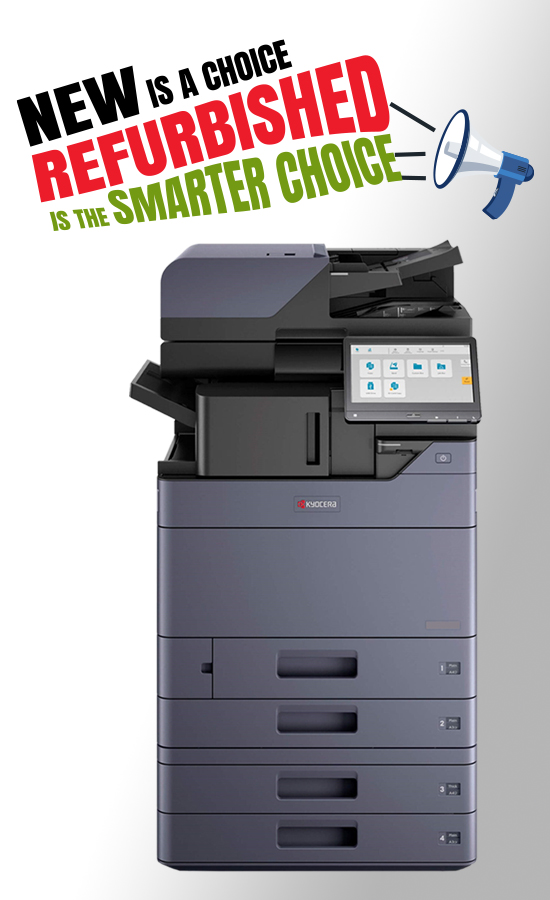
Kyocera multifunction printers are among the best options a business can acquire to achieve the right balance of productivity, cost-effectiveness, and reliability in today’s offices.
Apart from printing capabilities, these devices can also perform several functions like photocopying, scanning, and faxing.
If you know how to use your Kyocera device to its fullest, it will operate better and survive longer, whether you run a small team or a major organisation.
Whether you are using a multifunction colour laser printer from Kyocera, A3 or A4 printers, or you need choices from the top Kyocera printer sellers in the UAE, here are ten tips from this blog post that will surely help you in optimising your spending.
Select the Right Printer for Your Business
One step at a time – before you get your office running smoothly, you must get the appropriate printer.
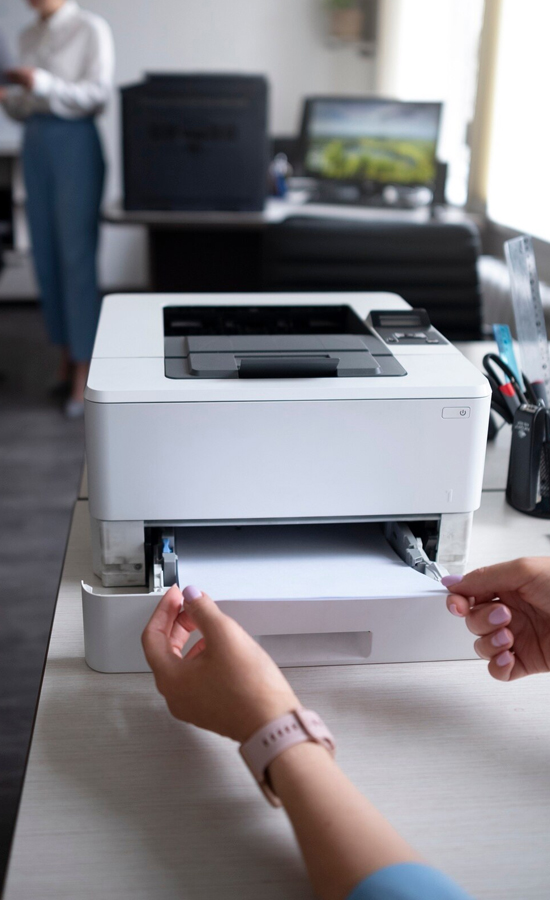
Kyocera A3 colour printer should be used for organisations that require large-scale printing. Kyocera A4 colour printer would suit smaller companies that just have to print documents daily.
It is easy to predict the performance of your device with respect to your business if you know about your printing requirements, paper sizes and features needed.
Set The Optimal Print Settings To Save Money
Many businesses don’t know how much they could save on their printing by changing the settings of the printer. Just turning on the function that allows printing two pages on one sheet, printing in draft mode when it’s used only internally, and printing in black and white if colour is not required, would mean savings on a Kyocera colour laser printer.
Even such minor changes lead to lower costs on printing.
Take Advantage Of Powerful Scanning Features
One of the finest qualities that the Kyocera multifunction printer possesses, but is not often spoken of, is its ability to scan. There is no need for the company to buy a scanner because everything is going to be scanned anyway, either to the network drive or sent immediately.
For Dubai businesses that need to monitor things and adhere to regulations, this capability is really beneficial. Additionally, it reduces the need for external storage systems.
Ensure that your firmware and drivers are always up to date
To obtain the best security patches and performance increases, always keep your printer’s firmware and drivers up to date.
In case you have acquired the Kyocera printer from a dealer in Dubai or even from a local dealer, you must upgrade your printer so that you can work with your new office software on the printer and, at the same time, make sure that the network works fine too.
Make your printing smarter with the help of SOS.
SOS is seen as one of the leading IT companies in the United Arab Emirates. The primary goal of the company is to offer you effective and environmentally friendly solutions. We are aware of the products provided by Kyocera. Therefore, we can assist you in selecting the proper printers.
Print From Your Phone And The Cloud
Today, there are more people than ever before who are working from home. That is why the Kyocera multi-function colour laser printer includes connectivity options such as cloud and mobile printing applications that allow employees to print documents from their mobile devices.
Such an option allows people to work effectively together. Your work will continue uninterrupted regardless of where your teammates are located.
Take Advantage of Print Management Software To Control Your Usage Levels
The Kyocera devices have to be provided with some software to help manage the use.
This approach of monitoring print usage levels and limiting user usage is being used by businesses in the UAE that get their devices from Kyocera printer dealers. This kind of approach will be useful for saving and using the limited resources in the best possible way.
Schedule Preventive Maintenance
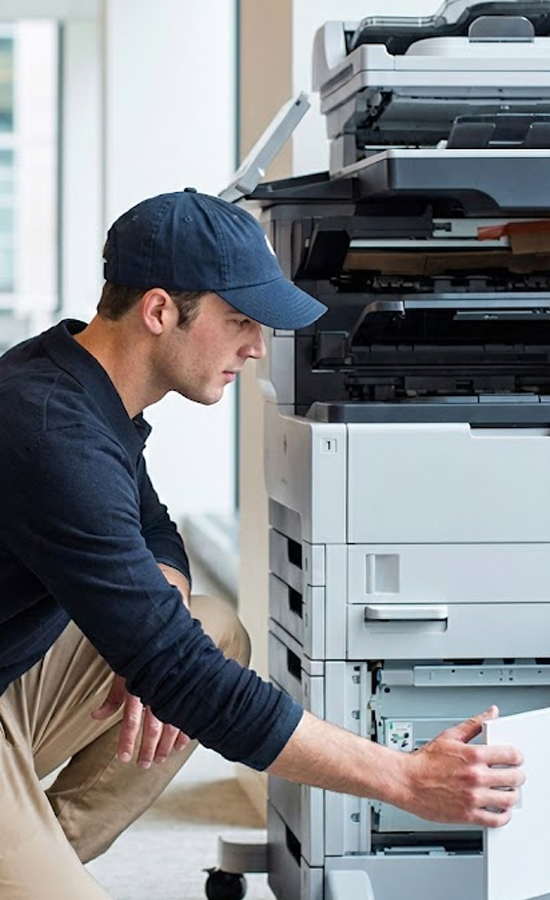
Like any other business asset, printers need to be maintained. Being one of those people who has contemplated the purchase of a Kyocera printer in the UAE, you know how great the printer is.
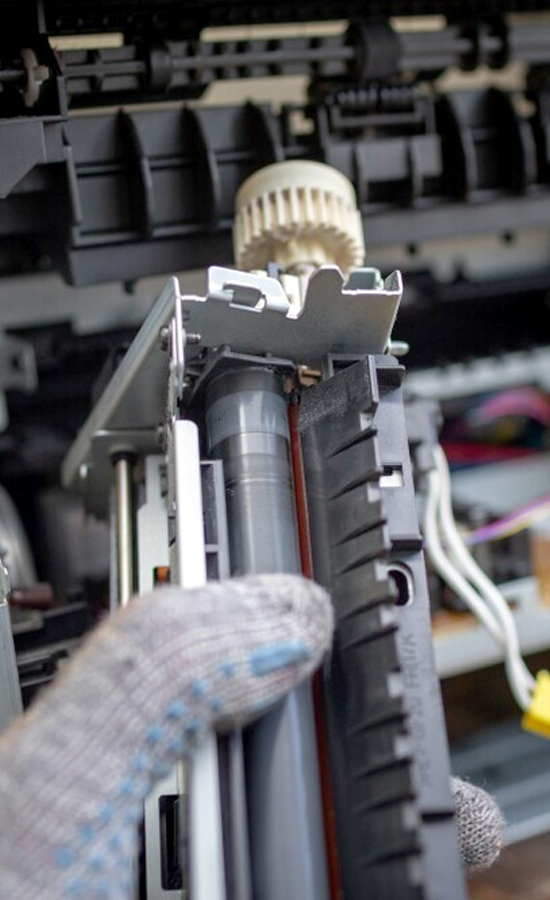
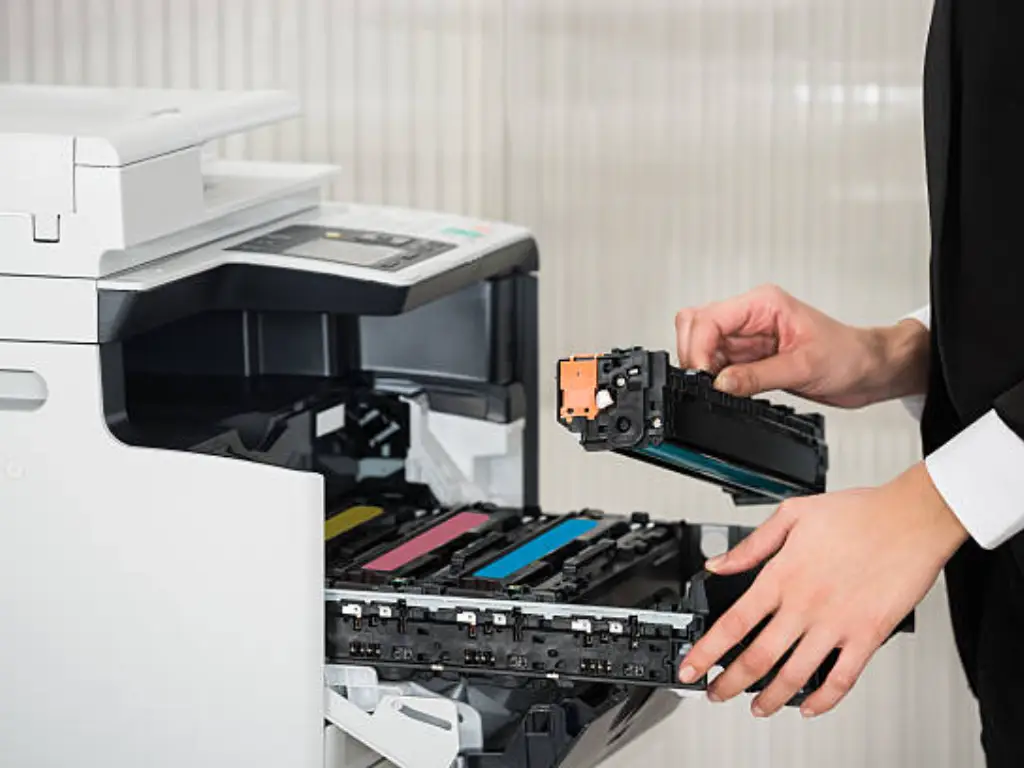
Internal cleaning, toner checks, and maintenance of the moving parts are some of the tasks that will help keep them from being destroyed. The reason many firms in Dubai that repair Kyocera printers offer maintenance services is that they want you to be relaxed.
Use Authentic Consumables
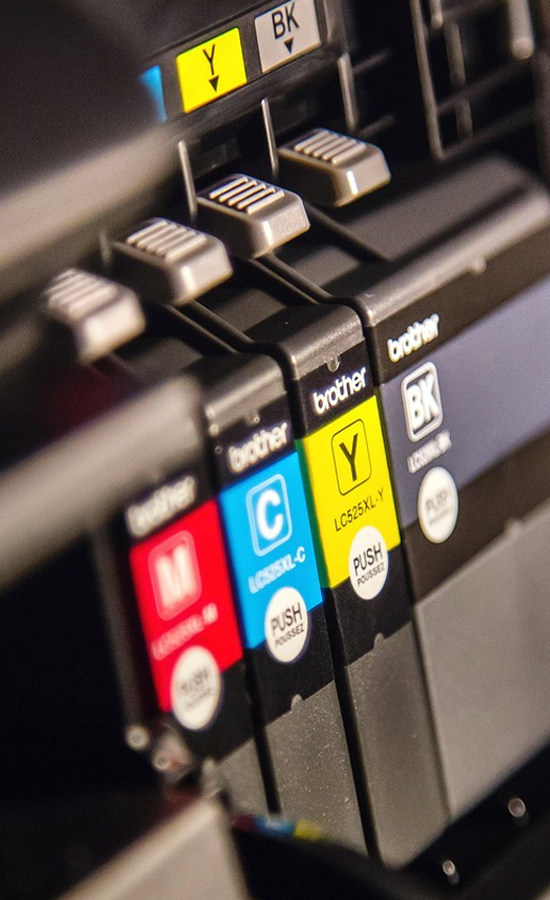
Consumables play a vital role in achieving quality prints. Use of genuine consumables will ensure that your Kyocera A3 colour printer and Kyocera A4 colour printer continue to achieve quality prints by ensuring everything inside is working well.
For now, it might seem like you are doing fine purchasing the items using fake materials. But then again, in most cases, this turns out to be a problem in the end.
Educate Workers on How to Use It.
No matter how good your Kyocera colour laser printer is, the machine will not operate well if your workforce does not know how to use it. This will ensure that the machine is not subjected to downtime and becomes productive.
Businesses that purchase printers from several Kyocera printer distributors in Dubai provide onboarding training.
Plan For Growth
You will need to print more as your firm grows. If you plan, you won’t have to buy new devices as regularly.
You can better manage your budget if you are aware of the price of the Kyocera A3 color printer or the cost of purchasing a model with more memory. Scalable solutions ensure that changing your printing configuration won't cause too much trouble.
FAQs
What sets multifunction printers apart from Kyocera's other brands?
Kyocera concentrates on producing long-lasting, low-cost products. Because their items are made with long-lasting parts, you won't need to replace them as frequently.
Is a Kyocera multifunction colour laser printer a suitable machine for workplaces that produce a high volume of documents?
Yes, because to its quick printing, excellent color output, and sophisticated workflow choices, it can accomplish a lot of tasks quickly and easily.
Who are the trustworthy Kyocera printer vendors in the United Arab Emirates?
There are several authorised resellers of Kyocera printers in the UAE who provide genuine goods, warranty and after-sales support.
In comparison to other brands in the UAE market, how much does a new Kyocera printer cost?
Kyocera printers are rather cheap and have low total cost of ownership due to energy efficiency and durable parts.
Which paper format—A4 or A3—should I use with my Kyocera color printer?
A3 printers are the perfect option if your business needs to print a lot of posters, huge schemes, or wide-format prints. For your daily documents, A4 printers are adequate.
How frequently should I service my Kyocera color laser printer?
It works fine every six months, but again, it all depends on how often you use it. Equipment can be handled more easily and frequent issues can be avoided with maintenance.
Is there a significant price difference between an A3 and A4 color printer?
Sure, A3 printers are always more expensive than A4 due to higher capacities. However, the cost is justified if these capacities are required by the companies.
How frequently should my Kyocera color laser printer be serviced?
Certainly, there are plenty of retailers in Dubai, such as SOS, providing different models of Kyocera printers. Supplies are also available for business and private use.
The Kyocera printer dealer in Dubai provides support to me during the selection and maintenance process.
Distributors always provide a wide range of services in order to ensure proper performance of your enterprise without interruptions.
How can I prolong the lifespan of my Kyocera multifunction printers?
You can extend the lifespan of your equipment by using genuine materials, planning routine maintenance, updating the firmware, and educating your staff.
Conclusion
Moreover, all the professional recommendations above will assist you in spending less money, being more productive and ensuring that your Kyocera colour multifunctional laser printer (A3/A4) works smoothly for a long period of time. You would have purchased such a printer from a reliable Kyocera printer supplier in the UAE, such as SOS.
Provided that you treat your Kyocera printer well, teach it, and think about its use, the printer will do more than print for you. It will become a strategic tool that will help you run your business better.
Recent Posts
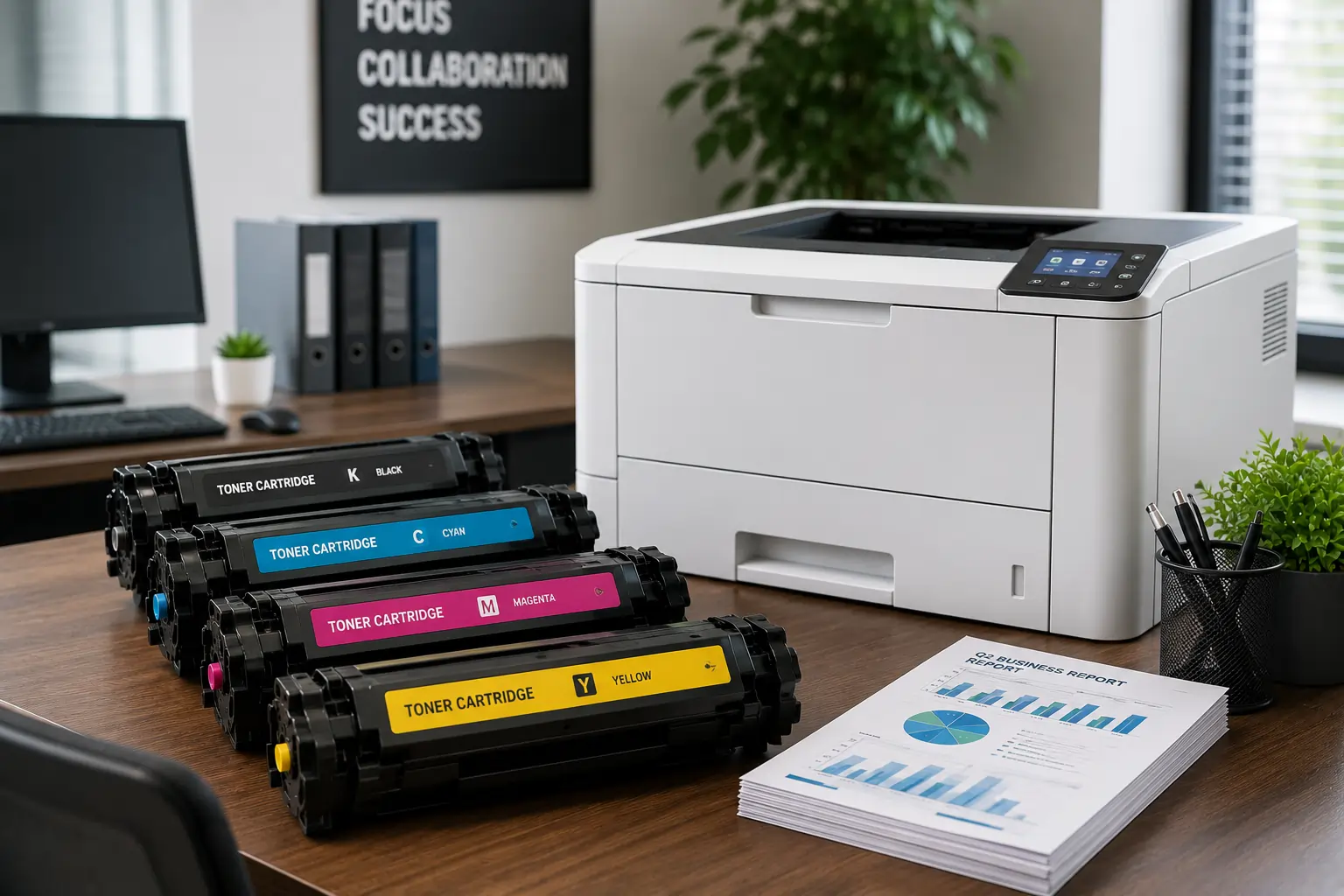
Why It is Important to Choose a Fast Toner Cartridge Supplier in the UAE
Superior Offer:
Quick Installation
Minimal downtime, fast activation
24/7 Response
Always-on urgent support
AMC & Maintenance
Scheduled safety checks
Safety Solutions
Design • Install • Maintain

Superior Office Services: Your trusted partner for printer and photocopier rentals, sales, and comprehensive repair services in the UAE. We deliver premium end-to-end solutions with proactive maintenance.
Key Services
Printer Rental
Printer Repair
Office Products Support
Abu Dhabi, Dubai & India Offices
Mon - Sat 8.00am - 7.00 pm