Why Your MFP Is Now a Crucial Endpoint for Print Security in 2026

Your multifunction printer has a wealth of information about your company. Every financial report, contract, and HR document goes through it. Cybercriminals are also aware of this in 2026.
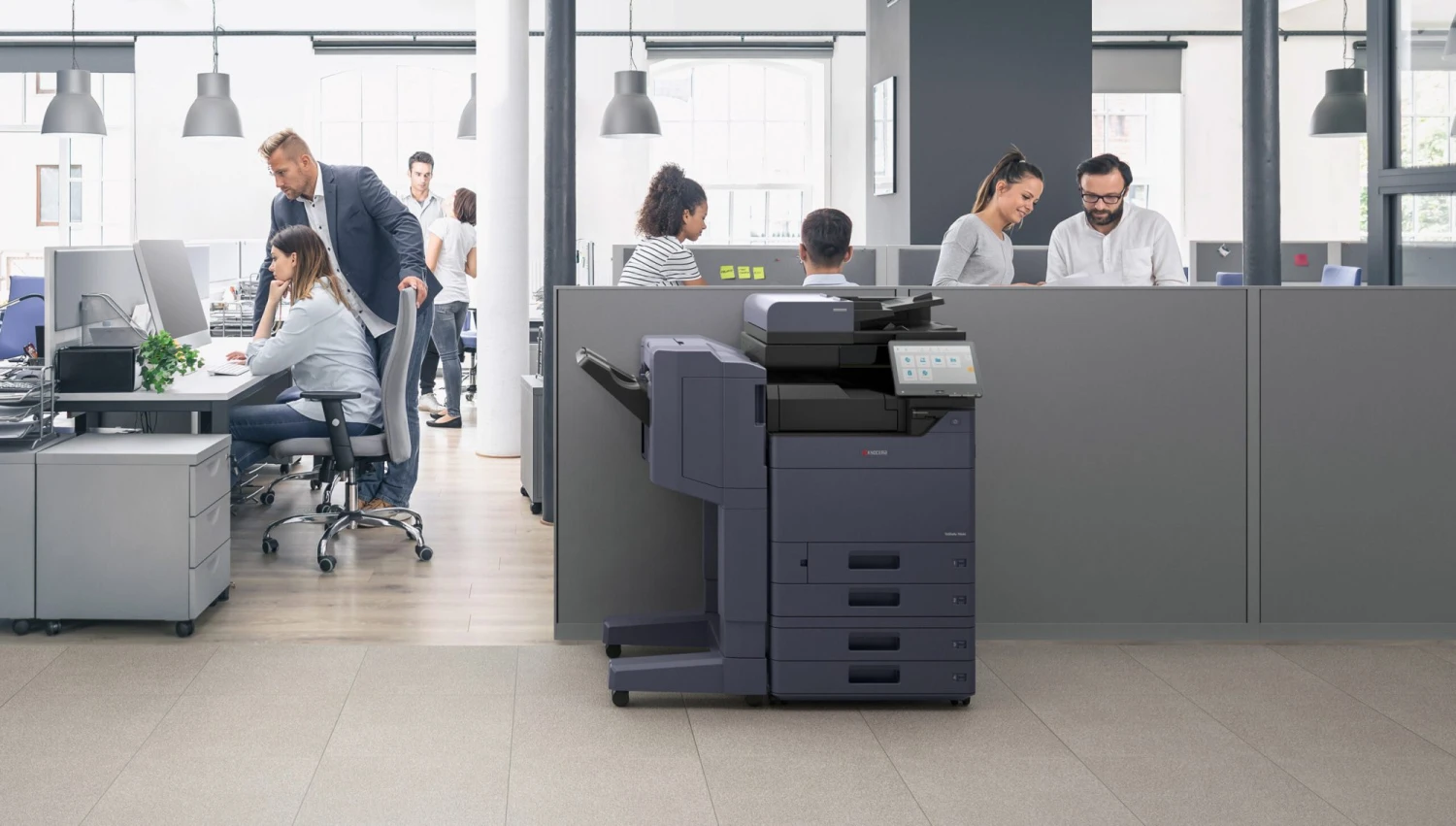
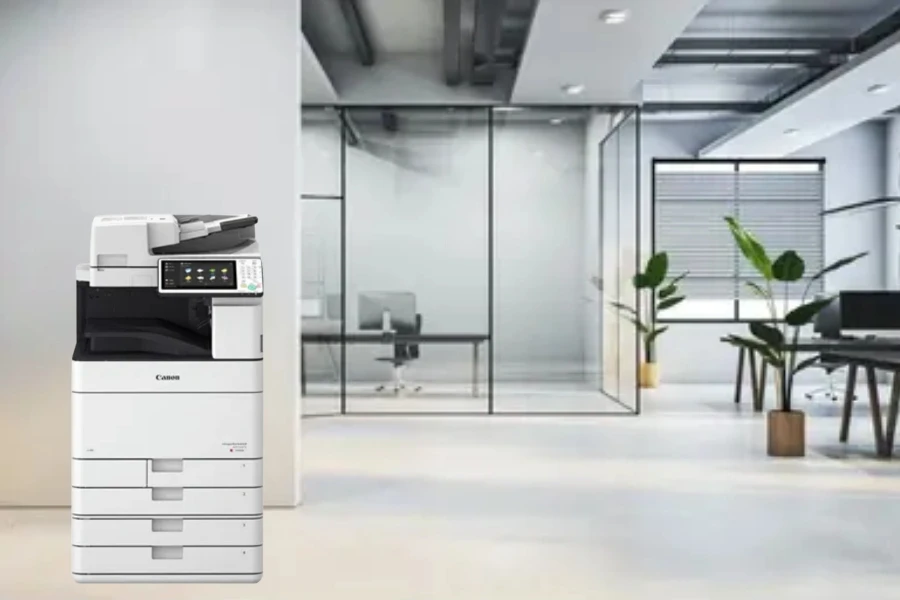
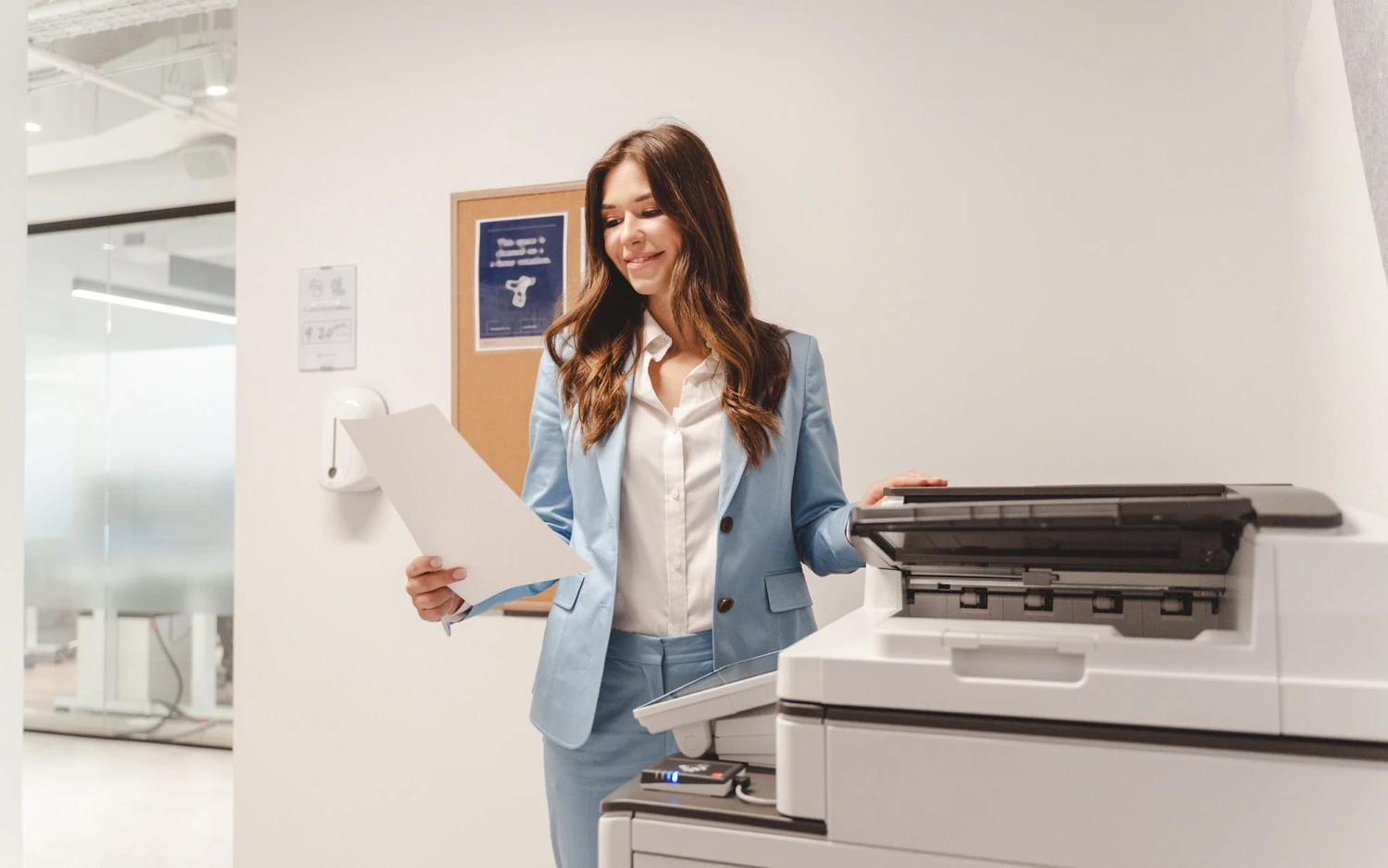
You can no longer approach your MFP like "just a copier." With processors, memory, storage, and direct connections to your most private information, modern multifunction printers are advanced network endpoints. However, a lot of businesses continue to leave them unguarded, opening a backdoor that gets around all of your other security expenditures.
Why Print Security Matters More Than Ever
There has been a significant change in the danger landscape. In the previous year, 67% of organisations had a print-related data breach, according to Quocirca's 2024 Global Print Security Report. Attackers are realising the unsettling fact that most firms safeguard their PCs and servers while disregarding the devices in the corridor, which is why the number keeps rising.
2026 will be a pivotal year for print security for several reasons:
- Regulators now demand tighter control over documents - HIPAA, PCI-DSS and new state privacy statutes spell out exact duties for print security. A healthcare network, bank or law firm that lets a report leave an unsecured printer risks fines heavy enough to flatten a quarterly budget.
- People no longer sit in one office - they send jobs from kitchen routers, suburban branches and phones on hotel Wi-Fi. Every one of those links is a door - if it lacks a lock, intruders walk through.
- Offensive code grows faster - programs powered by artificial intelligence probe thousands of devices each minute. When they meet a 2023-era firmware image whose flaws are already public, the break-in takes seconds.
The Anatomy of an MFP Attack
A thorough explanation explains why a copier needs to pay the same attention to detail as a server.
- Network infiltration: The attacker chooses a printer on an open network. After the initial compromise, the device becomes a foothold. After that, the hacker moves on to file servers, payment engines, and domain controllers. The breach begins close to the water cooler and ends within the financial drive.
- Data interception: A task travels from the laptop to the printer as plain traffic after crossing the LAN. A sniffer copies each packet along the way. Anybody who taps the connection can see payroll data, merger agreements, and patient charts.
- Theft of stored documents: Every contemporary multifunction device has a hard drive. Every page that was printed, scanned, or faxed is saved on the disk. The machine ships out with a full archive of firm secrets if the drive is not protected by an encryption key or a delete rule.
- Credential harvesting: MFPs often communicate with Active Directory, email systems, and cloud storage. Employees' login credentials may be recorded by infected machines when they log in to print or scan.
How Print Security Is Effective
A multi-layered strategy that takes into account devices, data, and user behaviour is needed to protect your print environment.
Security at the Device Level
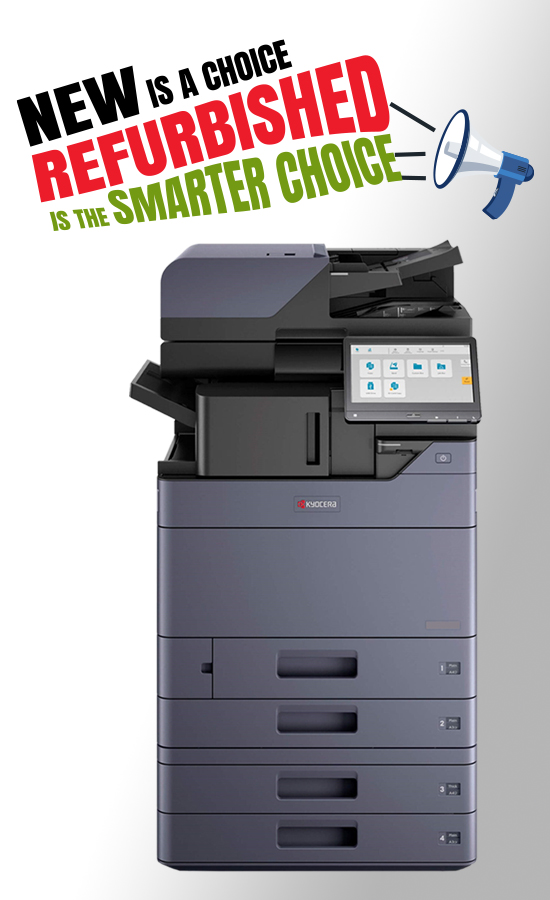
Let's start with the MFP. Many companies never turn on the built-in security features of contemporary commercial printers from manufacturers like Kyocera:
- Devices are guaranteed to run the most recent protected software thanks to firmware checking and automated updates.
- Documents stored on hard drives are shielded from physical theft by encryption.
- Every time the MFP turns on, secure boot procedures check the integrity of the device.
- Unnecessary network entry points are closed by port and protocol constraints.
Network Protection
- Network segmentation keeps print devices apart from critical systems.
- Encrypted print processes safeguard documents while they are in transit.
- Firewall rules only allow services that are necessary for MFP communication.
- Finding possible vulnerabilities before adversaries do is made easier using vulnerability scanning.
Access Control and User Authentication
Not all users need access to all printer features. Implement access control based on user job requirements:
- To stop documents from being left in printer trays for users to pick up, implement pull printing.
- Role-based access control should be used for administrative, faxing, and scanning activities.
- Audit logging should be used to record all activities performed on the device.
- All activities performed on the device will be monitored, including for compliance checking, with the aid of audit recording.
- Access control for visitors and contractors will be implemented.
Document and Data Protection
Data protection should be implemented during the entire lifecycle of the data or documents:
- Hard disks will be cleared after every job.
- Prior to discarding the device, sanitise it according to secure disposal procedures.
- tracking and watermarking critical documents.
- integration with data loss prevention and monitoring for policy violations.
The Price of Doing Nothing
Businesses that disregard print security risk grave repercussions. The cost of non-compliance and client mistrust is far more than investing in security, even while the clear cost of a security breach is substantial—an average of 4.45 million dollars per organisation, according to IBM's 2023 research.
HIPAA investigations may result from a single hacked document that contains PHI. Decades of client relationships can be destroyed if client contracts are leaked via an insecure MFP. It is evident from the cost-benefit analysis that investing in print security is beneficial.
Taking the First Step
To increase security, most organisations don't need to replace all of their printers. Start by evaluating your present situation:
- Which firmware versions are installed on the devices connected to your network?
- Which security features are accessible but not turned on?
- How are print jobs stored and transmitted?
- What functions are accessible to whom, and is that access suitable?
A comprehensive audit of print security finds weaknesses and ranks remedies according to danger. Perfection on the first day is not the aim. It involves creating a plan that tackles your biggest weaknesses first while aiming for a complete security posture.
Are You Ready to Keep Your Print Environment Safe?
Officeproducts.ae helps companies in the UAE and overseas implement print security measures that protect data without disrupting company operations. Our specialists can assess your current infrastructure, offer appropriate solutions, and regularly monitor your print security so you can focus on your business.
Recent Posts
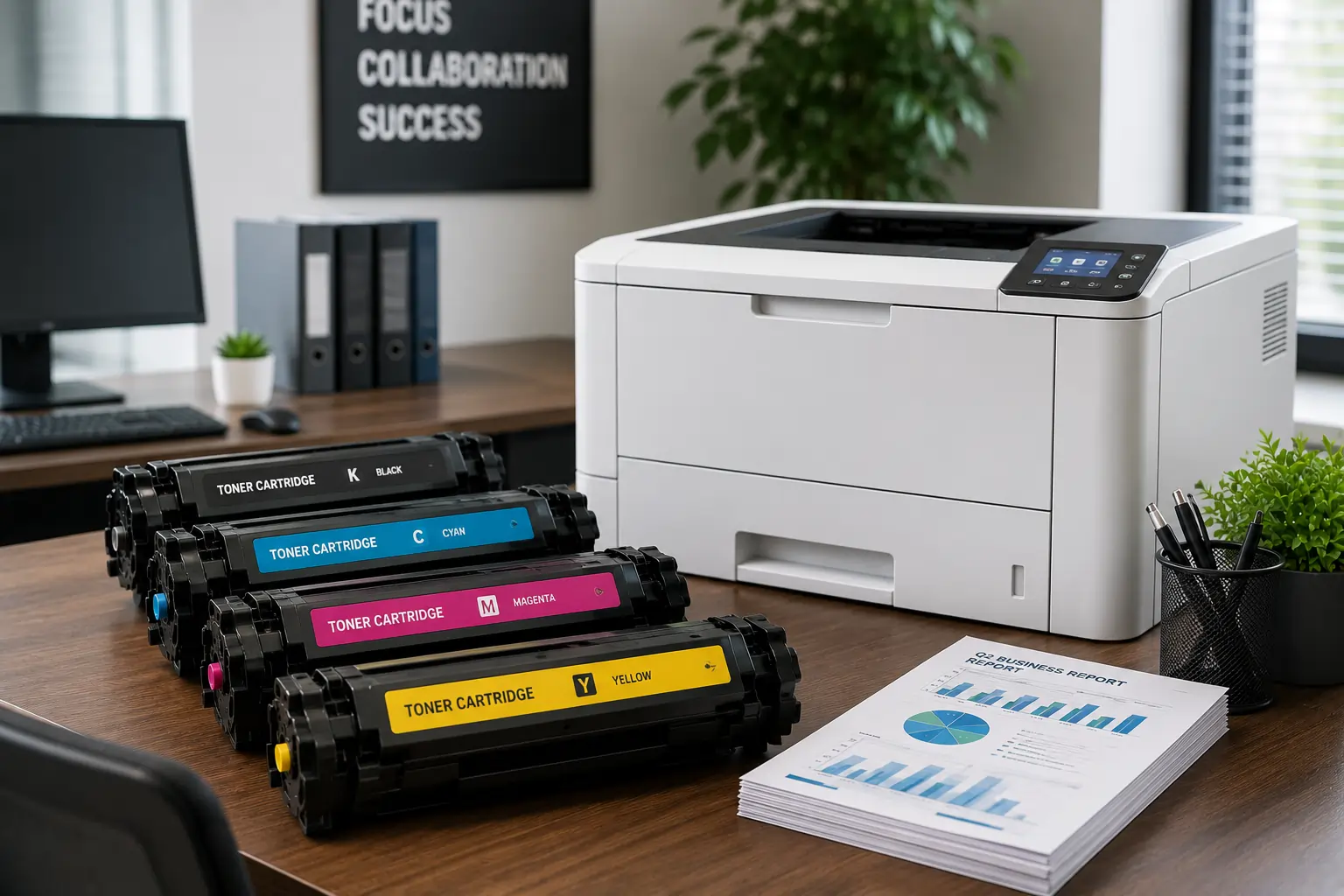
Why It is Important to Choose a Fast Toner Cartridge Supplier in the UAE
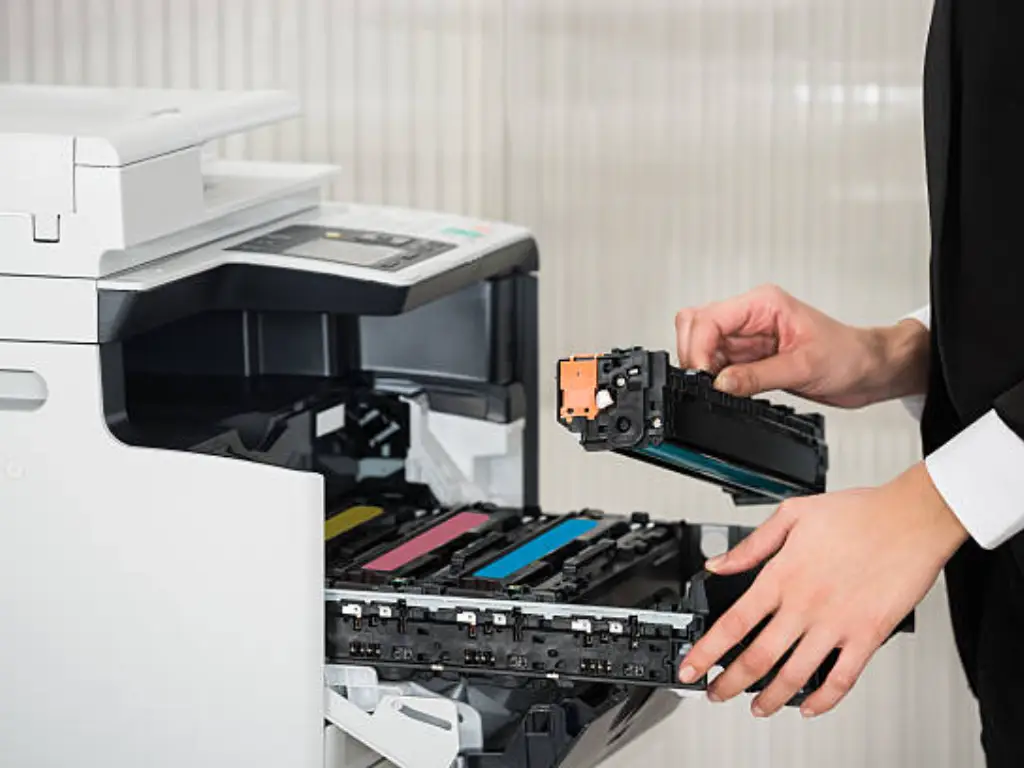
Important Printer Components that Every Entrepreneur Should Be Familiar With
Superior Offer:
Quick Installation
Minimal downtime, fast activation
24/7 Response
Always-on urgent support
AMC & Maintenance
Scheduled safety checks
Safety Solutions
Design • Install • Maintain

Superior Office Services: Your trusted partner for printer and photocopier rentals, sales, and comprehensive repair services in the UAE. We deliver premium end-to-end solutions with proactive maintenance.
Key Services
Printer Rental
Printer Repair
Office Products Support
Abu Dhabi, Dubai & India Offices
Mon - Sat 8.00am - 7.00 pm