
Steps to Select the Best Interactive Flat Panel for Your Classroom in 2026

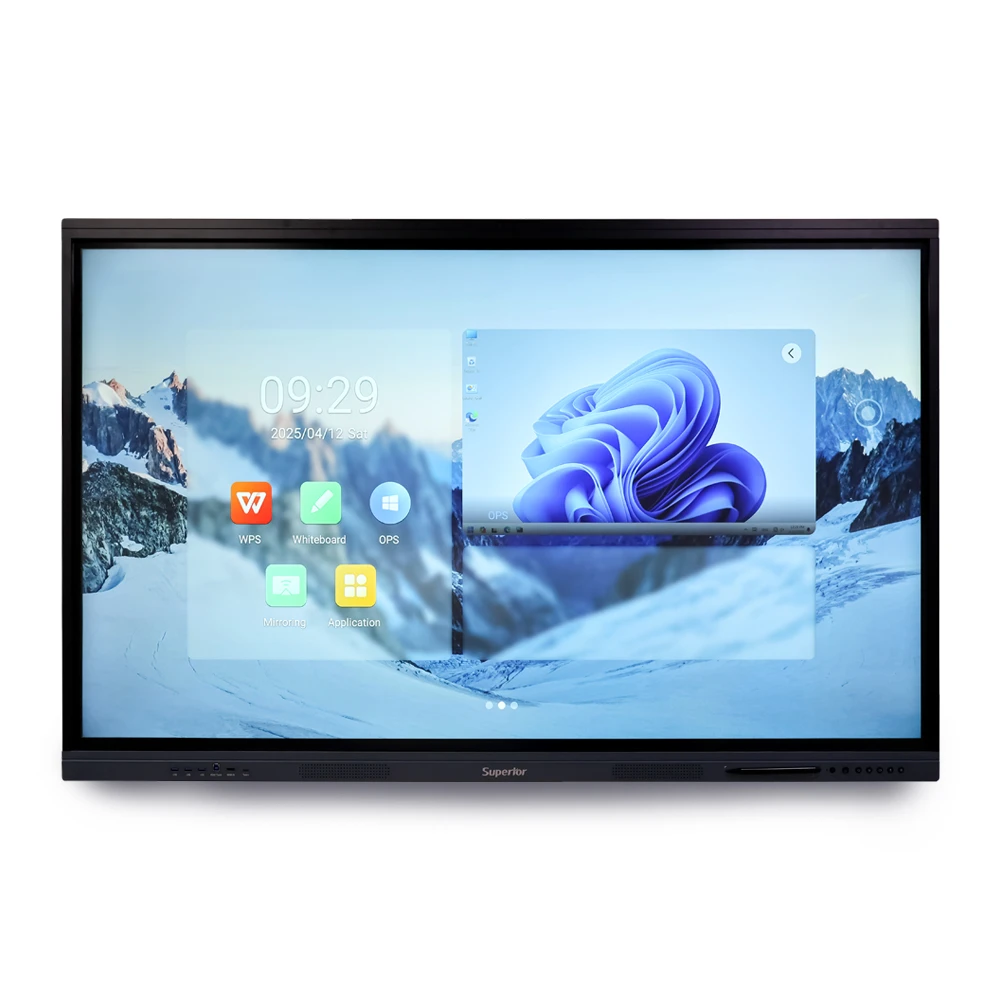
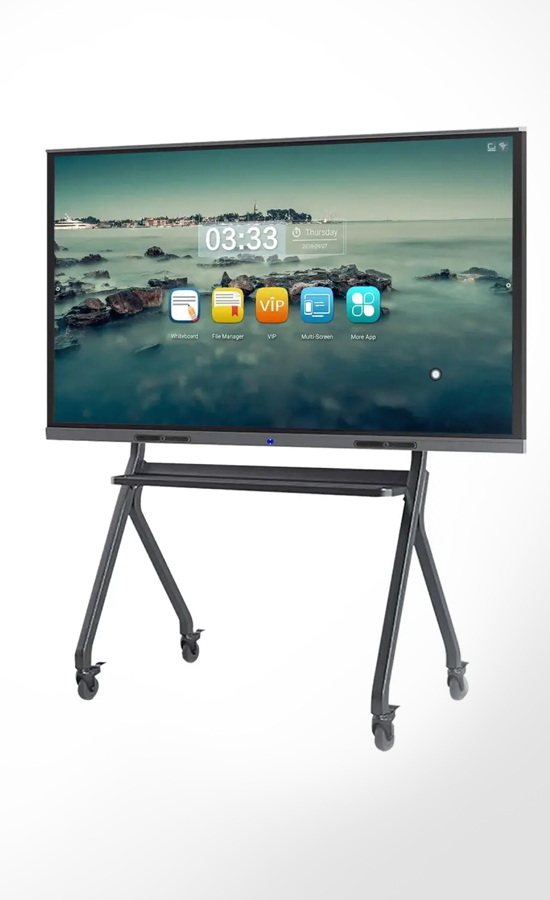
The pace of change in the classroom is far more rapid than most people expected. Educators are making use of video tutorials, digitized notes, online tools for collaboration, and other interactive methods almost on a daily basis. It means that educational institutions are much more careful in choosing the right technology solutions for their new learning environments. The introduction of an interactive flat panel into the learning process may improve engagement levels, enhance management, and boost interactivity in classrooms. Most consumers find it hard to pick out the best solution for themselves since there is an overwhelming amount of products with almost identical specifications and features. Some of these panels look amazing in the first place but are useless in practice.
Why Many Schools Will Use Interactive Flat Panels in 2026
Not very long ago, schools used whiteboards and projectors for their lessons on a daily basis. Such an arrangement was quite effective for a lot of years, but things have changed since then. Nowadays, students lose their concentration rather fast in case lessons are boring or monotonous. In addition, the speed of explanation is also of great importance – video presentations, transitions from one exercise to another, etc.
For this reason, many schools are currently turning to using interactive flat panels for classroom teaching and learning processes. Everything is much simpler and faster; there are no problems associated with connecting or changing settings related to projectors.
Reasons Why Schools Are Making This Move
- Better visibility of the screen
- Easy interactions within the classroom
- Reduced maintenance requirements
- Better integration for online learning purposes
- Low power consumption
- Increased concentration among students
- Efficient lesson delivery
Critical Things You Need to Consider Before Purchasing
1. Screen Size and Class Compatibility
2. Touch Response and Handwriting Capability
3. Display Quality
4. Built-In Software and OS
5. Connectivity Capabilities
6. Audio Clarity
7. Warranty and Reliability
Mistakes made by educational institutions in choosing an interactive flat panel
- Choosing an option based only on price: Of course, cost is a critical consideration. But then, cheaper alternatives begin to fail quickly and ultimately become costly fixes.
- Ignorance of software compatibility: Teachers utilise a variety of apps in the classroom. If the board is unable to manage the applications effectively, the same will keep happening.
- Selecting the Incorrect Size: This is a surprisingly common occurrence. Sometimes, when pupils are seated in the rear and are unable to read correctly, something that appears huge in a store feels too small.
- Ignoring Teacher Training: Not all educators are immediately at ease with new technology. Even helpful features are frequently neglected in the absence of appropriate direction.
- Ignoring Warranty Support: Technical issues will occasionally arise with any gadget. When support teams take days to respond during active school sessions, that's when the actual issue begins.
Choosing an Interactive Flat Panel According to Your Classroom Needs
- For Small Classrooms: Large displays with intricate features are typically not necessary in small classrooms. In reality, panels that feel easy, quick, and comfortable to use during regular courses are frequently preferred by teachers in small places. Sometimes a too-large screen might make the space feel cluttered. In these arrangements, teachers engage with students directly throughout the lesson, making clear audio and fluid writing responses considerably more important.
- In Large Schools: Large schools tend to consider more than just a single classroom when making choices regarding technology. Large schools frequently search for a display that can operate consistently every day in several classrooms without experiencing any technological problems. The management of an IT department would appreciate systems that can be managed easily. An interactive flat panel for classroom teaching needs to function consistently due to the fact that small delays could disrupt the schedule in large facilities.
- Coaching Centres: Teaching in coaching centres is usually a highly dynamic process. It involves constant explanation of concepts by a tutor, immediate problem-solving and transitions from one topic to another without any interruptions. Under such conditions, responsiveness becomes crucial for the panel’s functioning. Any lag during the process of writing is likely to affect the lesson immediately.
- Hybrid Learning Environments: Some classes have started to integrate online students as well as physical students, which makes all technological needs very different. In one class, the instructor will need to use a webcam, wireless projection, screen recording, and video conferencing. In order for hybrid classes to succeed, a flawless connection between devices is key, as any technological failure regarding sound or screen sharing will waste precious class time.
Future Trends in Interactive Classroom Technology
Conclusion
Frequently Asked Questions
Recent Posts

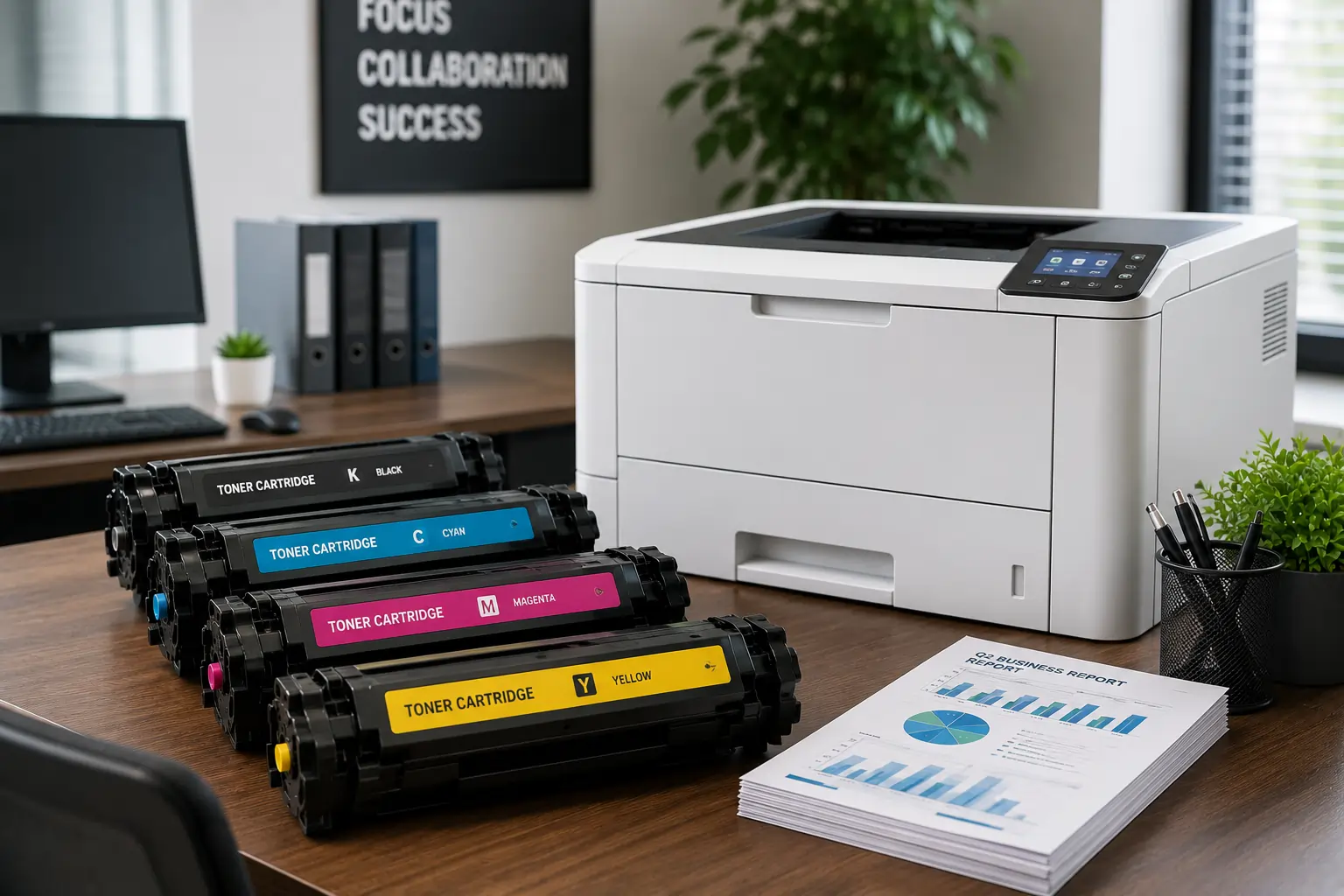
Why It is Important to Choose a Fast Toner Cartridge Supplier in the UAE

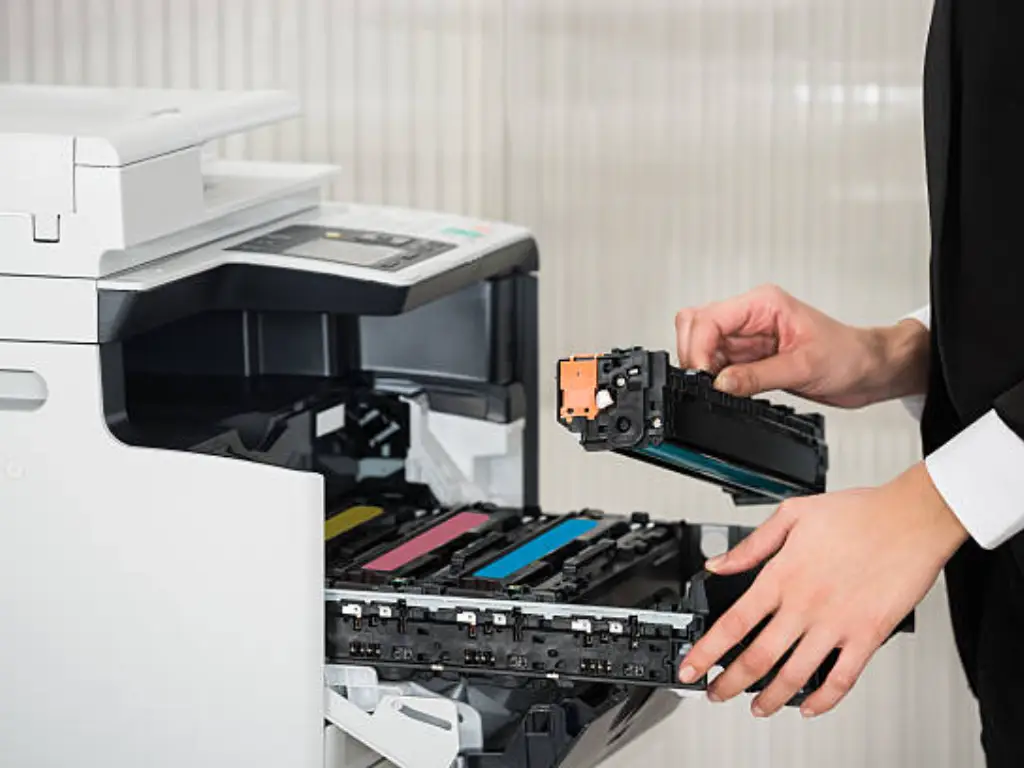


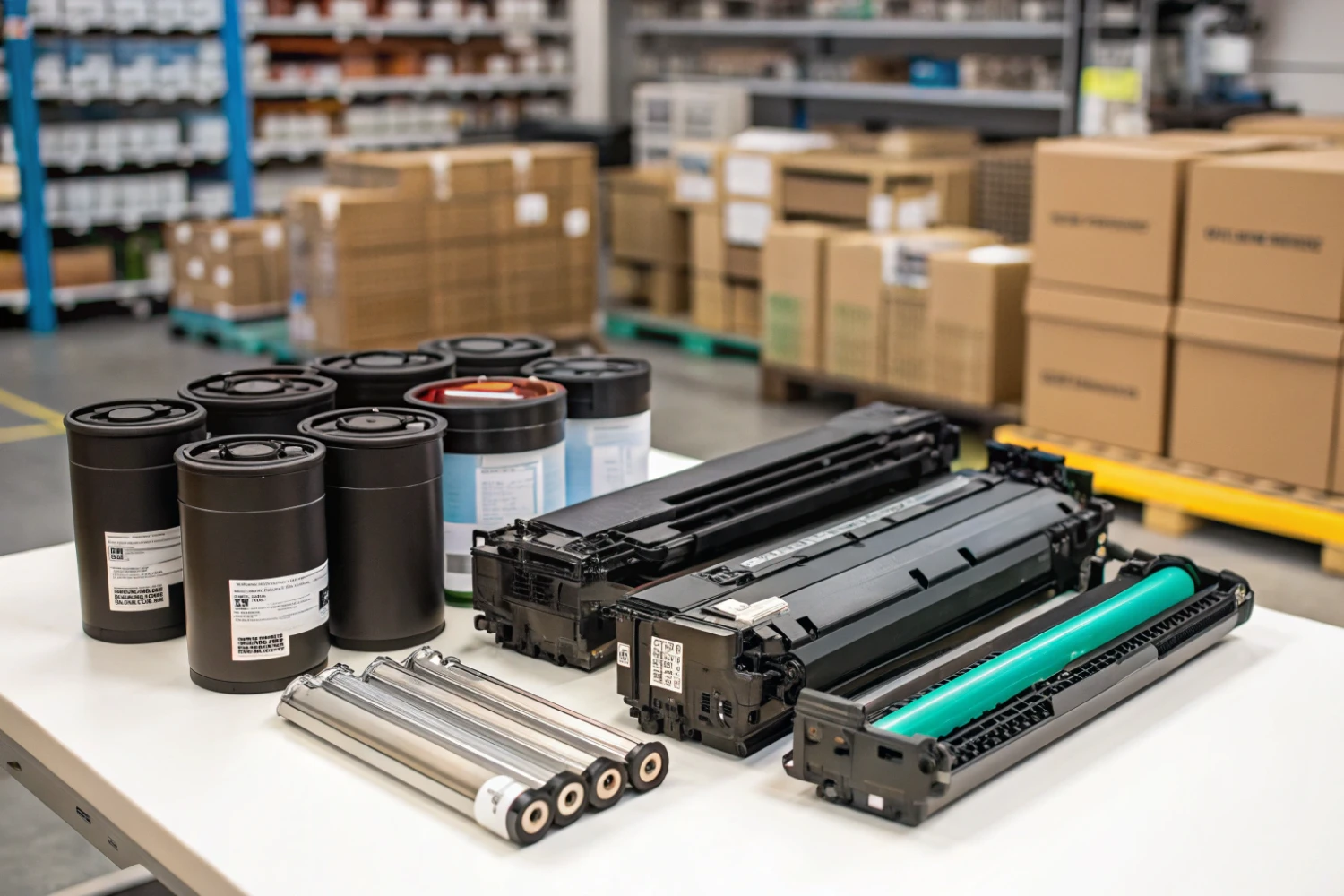
Important Printer Components that Every Entrepreneur Should Be Familiar With
Superior Offer:
Quick Installation
Minimal downtime, fast activation
24/7 Response
Always-on urgent support
AMC & Maintenance
Scheduled safety checks
Safety Solutions
Design • Install • Maintain

Superior Office Services: Your trusted partner for printer and photocopier rentals, sales, and comprehensive repair services in the UAE. We deliver premium end-to-end solutions with proactive maintenance.
Key Services
Printer Rental
Printer Repair
Office Products Support
Abu Dhabi, Dubai & India Offices
Mon - Sat 8.00am - 7.00 pm